

If you are building a game, VR/AR experience, e-commerce visualisation, or interactive product demo, the last thing you want is to spend weeks modelling props, building modular sets, and wrangling textures. That is where BlackBladeDesign comes in.
Why Choose BlackBladeDesign Assets?
- Plug-and-play compatibility – Every asset is delivered in multiple formats (.FBX, .GLB, .OBJ, and .Blend) so you can drop straight into your pipeline without conversion pain. Learn more
- Optimised for real-time performance – Built with clean quad topology, low-poly base models, and real-world scale to ensure smooth runtime in game engines and interactive setups. See details
- High quality + flexibility – Full 4K PBR texture sets, Unity metallic standard textures, and layered Substance Painter files mean you can customise wear, branding, colours—without re-UVing. View examples
- Designed for reuse – Modular design mindset means props and environment pieces can be reused and recombined to build larger worlds faster. Explore modular sets
Top Asset Types You Will Find
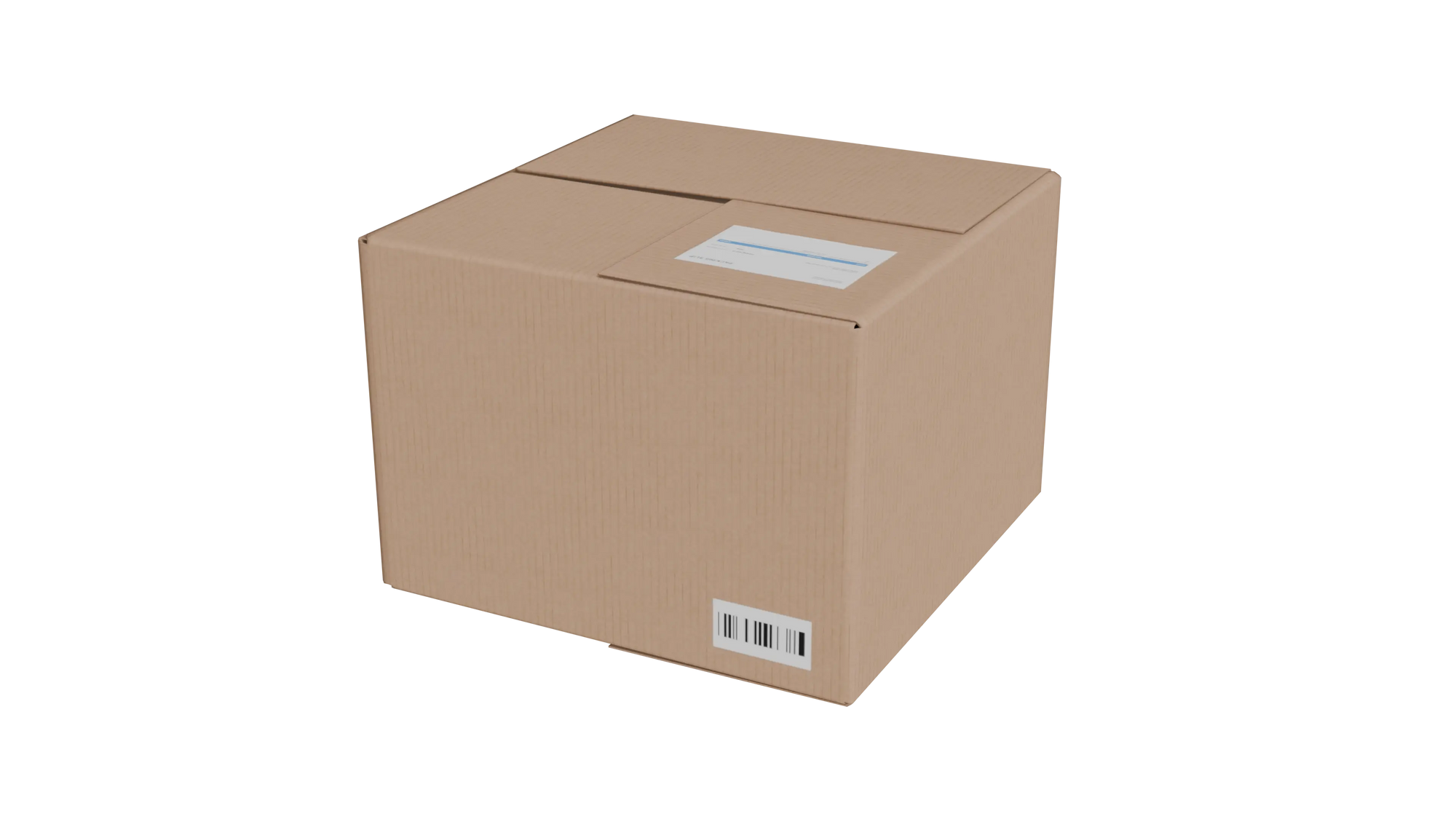
- Industrial props and containers (e.g., Military Storage Space Case 3D Model) Shop now
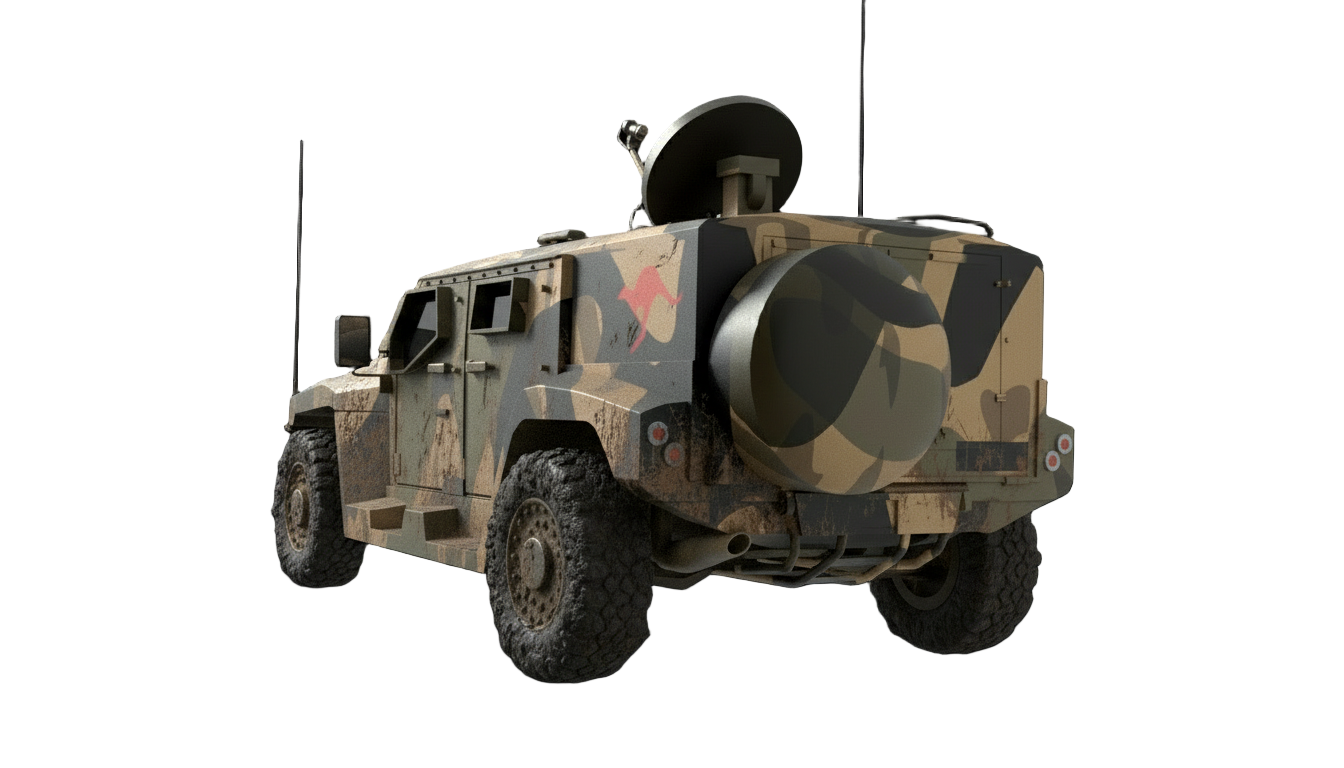
- Weapon and military assets (e.g., Game-Ready Russian Rifle 3D Model – AK47 TYPE III) Shop now
- Modular environment pieces (e.g., Modular Game-Ready Sandbag Wall 3D Model) Shop now
- Everyday objects for product visualisation or e-commerce
Save Time, Not Just Money
Think of your time as the most expensive asset. Instead of creating every prop from scratch, buying ready-made, production-captured and optimised models means:
- Faster prototyping of levels or scenes
- Less time fixing topology or redoing textures
- More focus on gameplay mechanics, story, or visual polish
- Better scalability when you need dozens or hundreds of props
How to Get In & Go
- Browse the full asset catalogue at the Shop / All 3D Assets page.
- Select the format you need and download; files include Blender source plus game-ready formats.
- Import into your engine (Unity, Unreal, Godot) or into your 3D tool chain.
- Customise textures quickly – change colours, branding, wear – thanks to archived .SP files and clean UVs.
- Place in your scene, adjust pivot/origin if needed, and you are done.
Want to Save Time With Game-Ready Assets?
Browse the BlackBladeDesign collection and find the perfect models to drop into your next project.
Bonus Tips to Maximise Value
- Use modular sets first to block out your level or scene, then fill in with props.
- Check your target engine’s material/shader setup before importing – models support Unity metallic standard but are compatible elsewhere.
- When targeting low-spec platforms (mobile/VR), pick sets with fewer materials and lighter texture resolutions.
- Keep the original .Blend/FBX files so future edits or animations are easier.
- Track asset usage across your project so you can swap in updated models if needed.
Final Thought
Your pipeline works best when you are not reinventing the wheel. With BlackBladeDesign’s assets you get high-quality, real-time ready models built to work – so you can focus more on creating worlds, telling stories, and shipping strong experiences.
Check out the full collection now and plug in the models that let you skip the busywork and build faster.